
Intelligent IT support
Your peace of mind. Our technology.
Smooth IT. Peace of mind.
TalosDesk AI agents diagnose and fix problems across many computers at once — even after your team has gone home. They work within your policy, with a human in control and a full audit trail.
- Remote support
- Intelligent agents
- You stay in control

Repairs in progress
In parallel, not in line
- BIURO-PC-01Printing is down Fixed
- BIURO-PC-02Printing is down Fixed
- backup-srv-01Nightly backup won’t run Fixed
Every machine gets its own repair, plan and result. Lab run · 27 Oct 2026
Film
TalosDesk in action
Three failures at once: a classic service desk vs. TalosDesk AI agents. Just over a minute — silent, with captions.
Repair times and panel screens come from a run in the TalosDesk lab (27 Oct 2026); the repair goals included the technician’s pre-approval to change service configuration. The night-time setting is staged; the classic service desk time is our estimate. Machine names are changed.
The problem
Classic support fixes one computer at a time.
A ticket, a queue, a session in a tool such as TeamViewer or AnyDesk, manual troubleshooting, a note in the ticket. Then the next machine. Every session takes a technician’s full attention — and without on-call cover, nothing gets fixed after hours.
- One session, one technicianRemote desktop is still manual work: a person at the keyboard, one machine at a time.
- The queue outgrows the teamThe same issue on twenty laptops usually means twenty separate sessions.
- Nights mean downtimeA failure just before midnight waits until morning — and the morning starts with catching up.
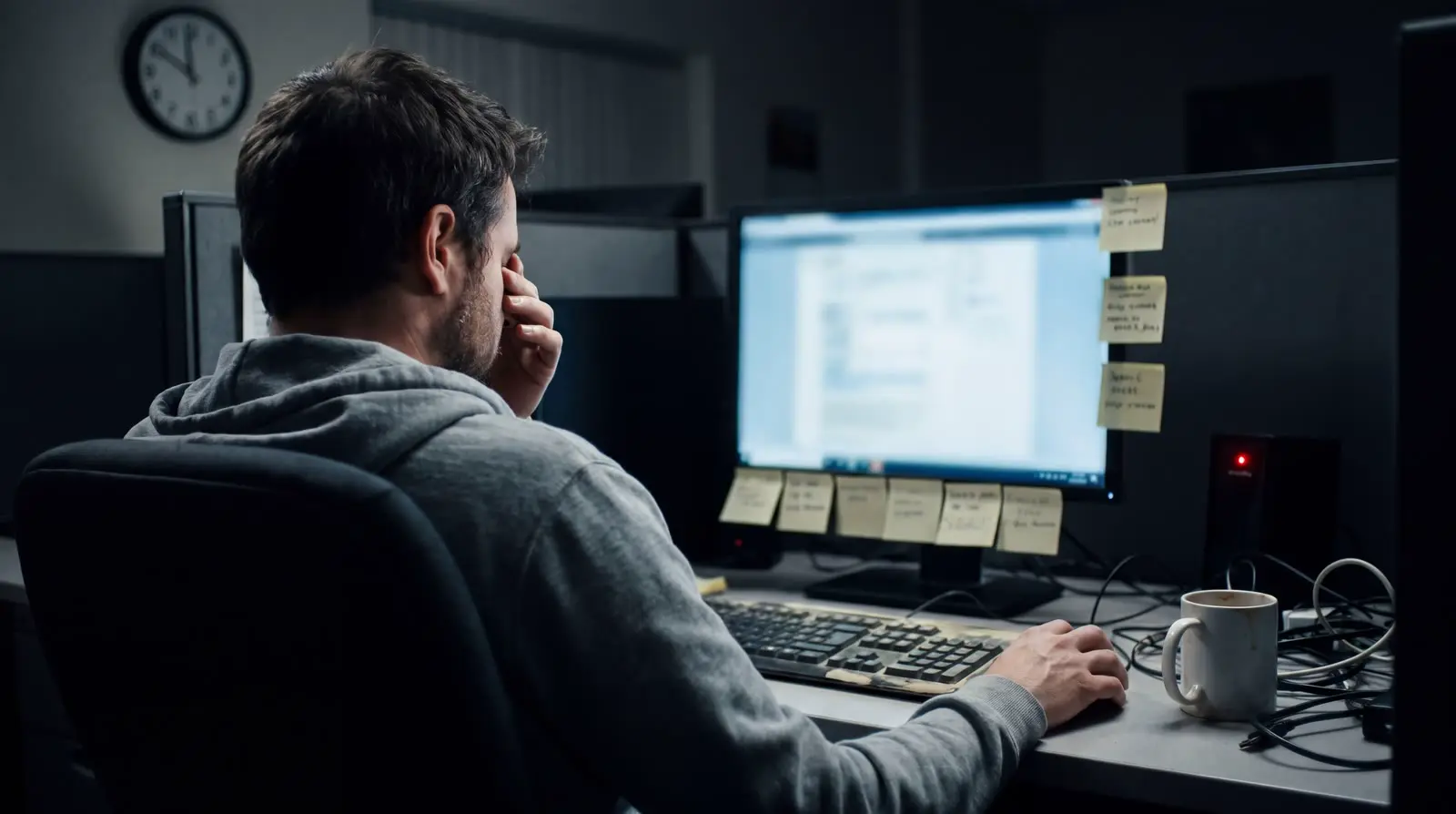
Classic support, estimate: 36–60 minutes for 3 machines. TalosDesk, measured: 44.5 s for 3 machines in parallel.
An estimate, not a measurement: one technician, 3 machines, a known fault, no waiting for the user to accept the session; 12–20 min per machine (connect, diagnose, fix and check, ticket note). TalosDesk — measured in the lab (27 Oct 2026): from requesting the repairs to the fix command finishing on the last machine.
How it works
From signal to verified fix.
Every repair is a process that survives interruptions and restarts, fully documented. The AI agent chooses the steps; your company policy decides what it may do on its own.
-
01
Detect
A monitoring rule, a technician or the end user opens a repair.
-
02
Diagnose
The agent collects service state, logs and inventory from the machine, and draws on past repairs within your company.
-
03
Plan
Goal, steps and success criteria are recorded before anything runs. Every change to the plan is a new revision.
-
04
Policy & approval
Policy defines what the agent does on its own. When approval is needed, it covers a specific action and plan revision.
-
05
Fix
PowerShell, bash or driving application windows through the native agent (GUI: selected systems and sessions). A technician can pause or take over the desktop at any time.
-
06
Verify
Data from the machine confirms the result. An uncertain outcome goes to “needs attention” — no blind retries.
-
07
Audit
Who requested it, what ran, on what state and with what result. Successful repairs feed versioned procedures.
Pause, desktop takeover, goal change and cancellation are available at every step.
Mass operations
Many machines at once. Each with its own result.
A campaign runs independent repairs across a group of devices: a small canary wave first, then the next waves. If failures pile up, a circuit breaker pauses it automatically. Campaigns run published, tested procedures.
- Canary wave
A change reaches a few machines first. Later waves start only when the results are healthy.
- Circuit breaker
Crossing the failure or uncertain-result threshold stops the campaign before it spreads further.
- Full control
Pause, resume, cancel, skip a device or change the wave size — every action goes through policy and audit.
- Per-device results
A partial failure never hides in an average. You see what was fixed, what is waiting and why.
- Queued
- Repairing
- Verified
- Needs attention
From the TalosDesk panel
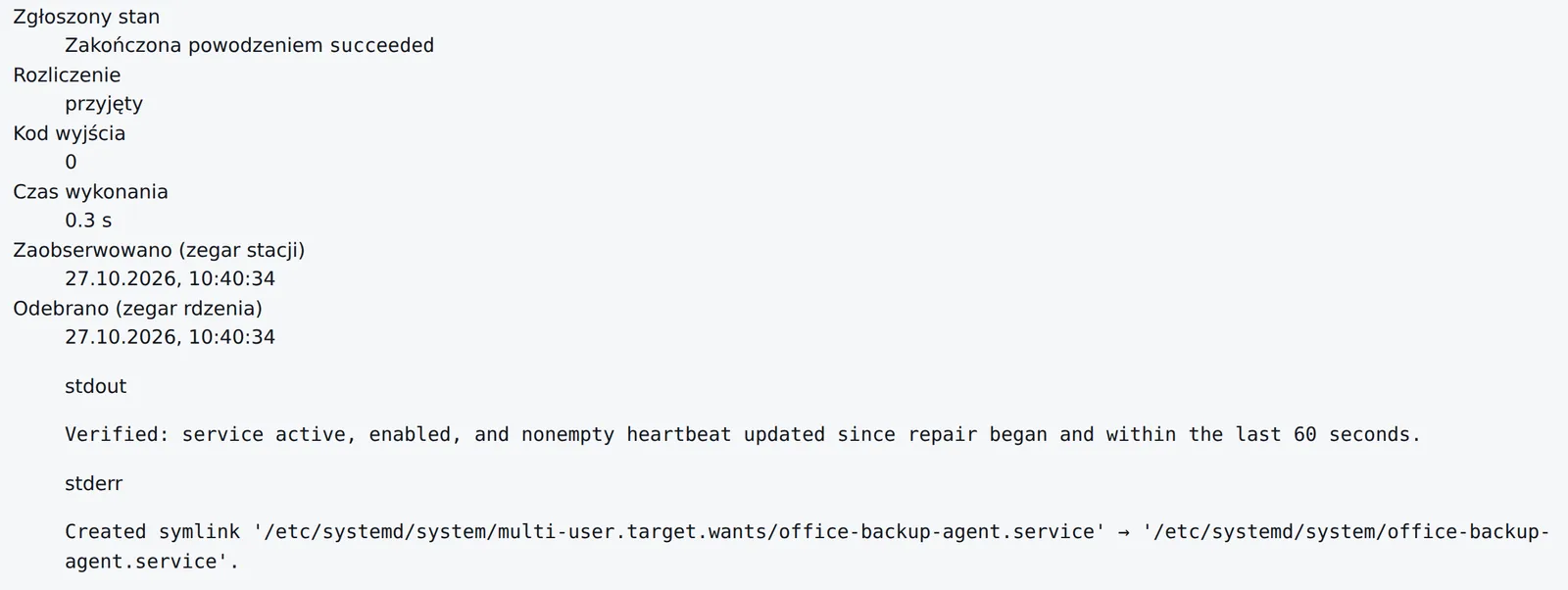
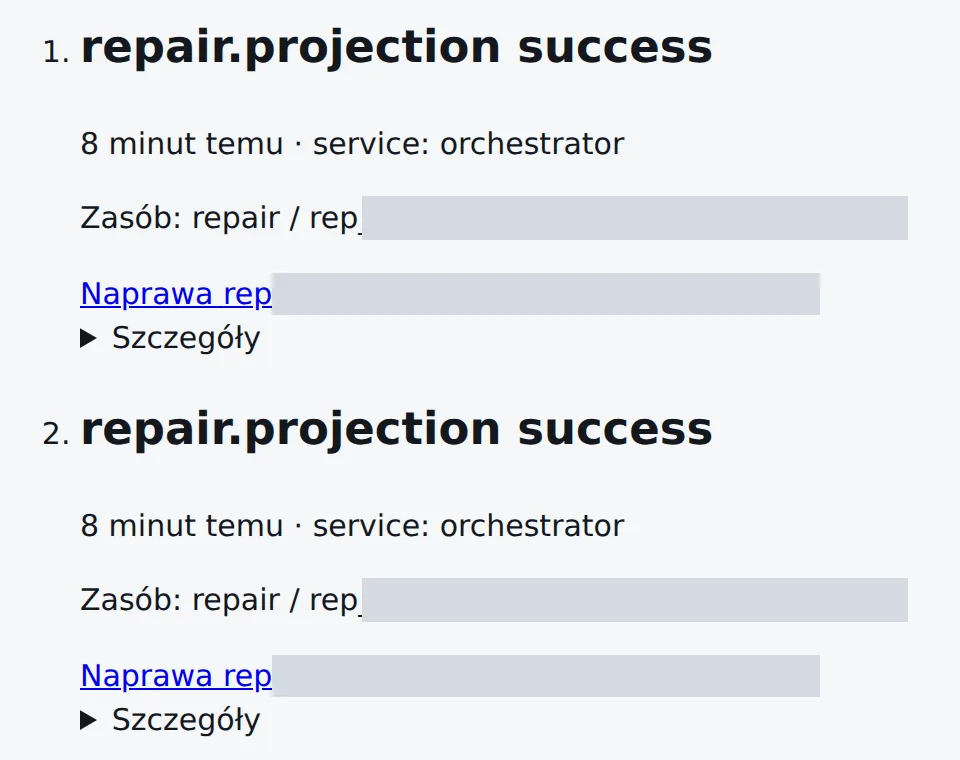
Excerpts of real screenshots from the lab run (27 Oct 2026), IDs masked. The panel is getting a new look. Click to enlarge.

After hours
Before your team gets in…
Failures don’t wait until 8 a.m. TalosDesk agents work overnight within the scope your policy sets — and where a human decision is needed, they stop and wait for an authorised person to approve.
- fixes applied on the machines — in parallel
- 3/3
- from request to the last fix (measured)
- 44.5 s
- AI model cost for 3 repairs (independent verifier not included)
- $0.12
- of downtime when a ticket waits until morning (estimate)
- ~10 h
How we measured this
A run in the TalosDesk lab on 27 Oct 2026: three machines — Windows 10, Windows 11 and a Debian 13 server (shown under changed names on this page and in the film). We introduced the faults on purpose. The test ran during working hours; “after hours” is the demo scenario.
The repair goals included the technician’s pre-approval to change service configuration and stage notes (no escalation after diagnosis; shell steps instead of service_control) as a workaround for known limitations of the current release. On Linux, the ticket described the expected service state.
Times come from the panel’s timestamps: from requesting the repairs to the fix command finishing on the machine. The AI diagnosis was ready on every machine after 19.7 s, the repair plans after 34.5–43.4 s, and the fixes were applied after 36.5–44.5 s.
Service state after the fix: on Linux the AI script confirmed it (exit code 0); on both Windows machines our external check did (Print Spooler: running, automatic start). The panel marked the Windows repairs as failed: the service was already running, but the script’s check line failed because of a known quoting bug in the Windows agent. The independent AI verifier was not configured for this run.
In the first run that day, the AI found the cause on all three machines in 27–32 s and, as the diagnosis stage was then configured, handed the decision to a technician.
The classic service desk time is our estimate: one technician connects to each machine in turn with a remote-desktop tool such as TeamViewer or AnyDesk (SSH for the Linux server), 12–20 min per machine, 36–60 min in total. Without on-call cover, an evening ticket waits until morning — e.g. an alert at 10:47 p.m., a technician at 8 a.m. and the fix at about 8:36–9:00 a.m. means about 10 h of downtime. The AI model cost covers a run without the independent verifier.
-
+0 s
3 machines
3 tickets with the technician’s pre-approval, 3 independent AI repairs — requested in the same second, autonomous within policy.
-
+13.7 s
3 machines
Service state read straight from the machines: Print Spooler disabled on both Windows PCs, backup agent stopped on Linux.
-
+19.7 s
3 machines
AI diagnosis ready everywhere — each one citing the data it read.
-
+34.5–43.4 s
3 machines
Repair plans ready and checked against policy.
-
+36.5 s
BIURO-PC-01
Service set to start automatically and started with a PowerShell script.
-
+40 s
BIURO-PC-02
Service set to start automatically and started with a PowerShell script.
-
+44.5 s
backup-srv-01
Service enabled and started; the AI script checked the result itself: active, enabled, fresh heartbeat (exit code 0).
-
morning
The team starts the day with results: the plan, commands, outputs and evidence of every repair are in the panel and the audit log.
Security & control
Autonomy within limits you set.
AI chooses the steps. The binding decision to execute is made by central policy and the broker on the machine.
Device identity & mTLS
Every agent installation has its own certificate and key. Connections are outbound and protected by mutually authenticated TLS.
Task scope
Each task gets a short-lived, signed capability: a specific device, operation classes and a deadline. The model cannot widen it.
Approvals where they matter
Your policy decides which actions need sign-off. An approval is bound to the action, the plan revision and an expiry.
Full audit trail
Initiator, scope, plan revision, script hash, execution, result and evidence. Entries are appended, never overwritten.
Tenant isolation
APIs, queues, AI memory, caches and artefacts are separated. One customer’s experience never reaches another customer’s task.
Take over at any time
When a technician takes over the desktop, the machine rejects further AI actions. Cancellation is confirmed by the machine itself.
Works without AI
If the model provider is unavailable, the technician’s desktop and terminal keep working.
Signed updates
Agent updates are signed and rolled out in rings, with a path back to the previous version.
Comparison
Remote desktop vs. TalosDesk
| Area | Classic remote-desktop support (e.g. TeamViewer, AnyDesk) |  |
|---|---|---|
| Way of working | A technician connects to one machine and works by hand. | AI agents work on many machines in parallel; the technician supervises. |
| After hours | Without on-call cover, the ticket waits for the next business day. | Overnight repairs within policy; anything that needs a human waits for approval, with the missing decision spelled out. |
| Diagnosis | Depends on whoever is at the keyboard. | Facts from the machine plus experience from past repairs in your company. |
| Proof of the fix | The technician’s note in the ticket. | Verification based on machine data and success criteria recorded up front. |
| Same issue on many machines | Many separate sessions or a hand-written script. | A campaign with a canary wave, a circuit breaker and per-device results. |
| Control & audit | Connection logs and optional session recordings; the repair itself lives in the technician’s note. | Policy, approvals and a full trail: who, what, on which state and with what result. |
| Remote desktop | Yes — it is the core of the job. | Yes — desktop and terminal in the browser, even without AI. |
FAQ
Frequently asked questions
Can the AI do whatever it wants on my computers?
No. Every task has a signed, short-lived scope: a specific device, allowed operation classes and a deadline. Your company policy defines what the agent does on its own and what needs human approval. Text from a log, web page or screen never widens those permissions.
What if the agent gets it wrong?
Every repair ends with verification based on data from the machine. If the outcome is uncertain, the repair goes to the “needs attention” queue instead of being retried blindly. In campaigns, changes hit a canary wave first and a circuit breaker stops later waves when failures rise.
Can I still just connect to the desktop?
Yes. Technicians get a desktop and an interactive terminal in the browser. They can take over from the AI at any moment — from then on the machine rejects further agent actions. Desktop and terminal keep working when AI is unavailable.
Which systems are supported?
Windows and Linux. A native agent runs on each machine as a system service (Windows Service or systemd). Supported OS versions and session types are listed in a compatibility matrix — ask us for the current version.
How do I add computers?
In the panel you choose the company and location, then download the installer for the platform. It carries a short-lived, single-use ticket; after installation the machine receives its own certificate and connects over mTLS.
Can my company’s data reach another customer?
No. Isolation covers APIs, queues, AI memory, caches and artefact storage. Experience memory is scoped to your company, and semantic similarity never carries an entry into another customer’s task.
Does the AI model learn from my data?
TalosDesk stores experience in its own memory, scoped to your company — not in the model’s weights. Successful repairs become versioned procedures that are evaluated and piloted before use.
What happens when AI is unavailable?
Core technician work — desktop, terminal, operations on the machine — keeps running. Repairs that need a new model decision wait, and the panel shows why.
Wake up to overnight failures that are already fixed.
Log in to the panel or get in touch — we’ll show you TalosDesk running your own scenarios.